Posts are the one part of your Google Business Profile that you can change as often as you like without any risk to your listing. Your name, address and category should stay steady for years. Posts are the opposite: short, dated updates that show people the business is open, busy and worth choosing this week rather than at some point in the past.
Most owners either ignore them completely or start with enthusiasm, publish five in a fortnight, then stop. Neither approach helps much. A profile whose newest post is from last spring can look more neglected than one with no posts at all, while a steady trickle of useful updates quietly answers the questions customers have before they ring.
This guide covers the three post types, ideas you can reuse all year, a rhythm that fits a busy week, the rules that get posts rejected and how to judge whether the effort is paying off.
Key points
- Google offers three post types: updates, offers and events, and each suits a different job.
- The best posts show something specific and recent, such as a finished job, a new product, a date or a change to how you work.
- A realistic rhythm is one post a week or fortnight, and never letting a month pass without one, because posts older than six months are archived.
- Keep phone numbers and unverifiable contact details out of the text and use the Call button instead.
- Posts are more about persuading people who already see your profile than about ranking, but they also give Google and AI tools fresh, accurate facts.
In this guide
- What posts are and where people see them
- The three post types and when to use each
- Post ideas that work for almost any local business
- How often to post
- Writing a post people will actually read
- The rules that get posts rejected
- Mistakes worth avoiding
- How posts affect Google Maps and local search
- How posts help with AI assistants
- Measuring whether posts are working
- Frequently asked questions
- Final thoughts
What posts are and where people see them
A post is a short message, usually with a photo or video, that you publish from your Business Profile. It can carry a button such as Book, Order online, Learn more, Sign up or Call now. Once Google approves it, the post appears on your profile in Google Search and Google Maps.
Google’s help pages say posts show in the Updates or Overview tabs on mobile, and in a “From the owner” section on desktop. Placement shifts from time to time, and you cannot control which post someone sees first, so every post should make sense on its own.
After publishing, a post shows as “Pending” while it is processed, “Live” once visible, or “Not approved” if it broke a content rule.
The three post types and when to use each
Google currently offers three types of post. Choosing the right one matters, because each has different fields and is shown slightly differently.
| Post type | What it needs | Best used for |
|---|---|---|
| Update | Text, a photo or video, an optional button | News, recent work, tips, new stock or services, changes to how you operate |
| Offer | A title, start and end dates, optional voucher code and terms | Genuine time-limited promotions with clear conditions |
| Event | A title, start and end dates and times | Workshops, open days, tastings, talks, launches, seasonal opening |
Updates
Updates are the workhorse and suit almost any business. A bookshop might share its staff picks for the month, or a mobile mechanic a short note on a common winter fault.
Offers
Offers are for real promotions with a start and an end. They are labelled with a tag, so it is tempting to use them for everything. Resist that: an “offer” with no actual offer in it looks odd to customers. Google’s policy also stops some businesses, such as hotels, from publishing offer posts at all.
Events
Events have dates and times built in, which makes them clearer than an update that mentions a date in the text. They suit a bookshop’s author evening, a bike shop’s maintenance class or a café’s live music night. Each should be a real occasion people can attend, not a long-running sale relabelled as an event.
Post ideas that work for almost any local business
Running out of ideas is the main reason owners stop posting. Treat posts as a running record of what the business actually does, and these themes can be repeated all year.
- A job, order or project just finished. One photo and two sentences: what the customer needed and what you did. “Rewired a 1930s semi in Kidlington, keeping the original picture rails intact.” Avoid anything that identifies a customer’s home without their permission.
- Something new. A new service, a new product line, a new member of staff with a relevant qualification, extended opening hours or a new piece of equipment.
- A seasonal reminder. Many businesses have a natural calendar: chimney sweeping before winter, air-conditioning servicing before summer, school uniform alterations in August, gift wrapping in December.
- An answer to a question you hear every week. “Can I bring my dog in?” “How long does a full service take?” “Do you take card payments at the market stall?” A clear answer helps customers and cuts down on calls.
- A behind-the-scenes look. The workshop, the morning bake, the team preparing for a busy weekend.
- A practical tip. A plasterer explaining how long new plaster needs before painting. Useful advice shows knowledge without selling.
- A change customers need to know about. Roadworks affecting access, a holiday booking deadline or new parking arrangements.
Tip
Keep a note on your phone called “post ideas”. Each time a customer asks a question, a job turns out well or something changes, add a line. When posting day comes round, you will have more ideas than you need.
How often to post
There is no official ideal frequency. What matters is that your profile looks current to someone checking it today. Google’s help pages say posts older than six months are archived unless you set a date range, so a profile that posts in bursts will often show nothing. Most customers also glance only at the newest one or two posts.
| Business type | Suggested rhythm | Why |
|---|---|---|
| Shops, cafés, venues with regular events | Weekly | Stock, menus and events change often |
| Trades and home services | Every week or two | A recent job each time shows you are active in the area |
| Clinics and professional services | Every two to four weeks | Fewer changes, but seasonal topics and FAQs still apply |
| Seasonal businesses | Weekly in season, monthly out of season | Keeps the profile honest about when you are open |
Pick a rhythm you can keep up through your busiest month. A fortnightly post that never misses beats a weekly plan that collapses by February.
Use scheduling and recurring posts
Google now lets you schedule a post for a future date and time, and set some posts to repeat weekly, monthly or on a custom pattern. That makes it practical to write three or four posts in one sitting and let them go out on their own. Recurring posts suit things that genuinely recur, such as a weekly quiz night. Check scheduled posts before they publish in case plans have changed. If you manage several locations, a single post can be shared to more than one profile, but only do this for news that applies to every branch.
Writing a post people will actually read
Most people see only the opening line or two before deciding whether to tap. Put the useful part first.
- Lead with the specific detail. “New: same-day key cutting for most car fobs” beats “We are pleased to announce an exciting new service”.
- Keep it short. Google allows up to around 1,500 characters, but most good posts use a small fraction of that. Two to four sentences is plenty for an update.
- Name the place where it helps. Mentioning the area naturally (“a loft conversion we finished in Headington”) tells customers you work near them. Do not stuff a list of town names into every post.
- Use your own photo. A real, well-lit picture of your work beats any graphic. Text-heavy images are hard to read on a phone.
- Choose one button and a matching page. A Learn more button on a boiler servicing post should land on the boiler servicing page, not your homepage.
A quick before-and-after
A weak post: “Busy week here at Smith & Co. Thanks to all our customers. Give us a call for all your requirements.”
A stronger version: “Fitted a replacement front door in Witney this week, a composite door in a heritage green to match the street. Most door replacements take one day, and we take the old door away. Use the button to see colours and prices.”
The second is specific, local, answers a timing question and gives a reason to tap.
The rules that get posts rejected
Google reviews posts before they go live, and some are turned down. Its posts content policy and help pages point to several common problems.
- Phone numbers and contact details in the text. Google says it may remove posts containing contact information it cannot verify, including phone numbers, email addresses and social media handles. Use the Call now button instead, which uses the number already verified on your profile.
- Low-quality or auto-generated text. Posts that read as machine-written filler, contain deliberate misspellings or repeat the same wording across dozens of posts may be rejected.
- Links to untrustworthy sites. Buttons should point to your own website or a reputable booking platform.
- Restricted products and services. Businesses in regulated areas, such as alcohol, pharmaceuticals, gambling or financial services, can post but should not promote those products in posts.
- Offensive or irrelevant content. Posts should be about your business, not general news, politics or unrelated memes.
If a post is not approved, rewrite it rather than reposting the same text, removing anything that looks like a phone number, including in images.
Offers must be genuine
An offer post is still advertising. In the UK, promotions in your own marketing fall under the advertising rules policed by the Advertising Standards Authority. In practice that means stating significant conditions clearly, giving a closing date where there is one, and honouring the offer for everyone who meets the terms. The ASA’s guidance on promotional marketing closing dates is a useful check before you publish a time-limited deal. Never invent a “was” price or a deadline that you will quietly extend.
Mistakes worth avoiding
- Posting the same thing on repeat. Ten identical “Call us today” posts tell customers nothing.
- Copying social media posts word for word. Hashtags and “link in bio” look out of place on Google.
- Letting cancelled events or ended offers linger. Update or delete them straight away.
- Overselling. Claims like “the best in Oxfordshire” invite scepticism and can breach advertising rules if you cannot back them up.
How posts affect Google Maps and local search
It helps to be realistic about what posts do. Google’s local results are shaped mainly by relevance, distance and prominence: your categories, services, reviews, the strength of your website and how well known the business is. There is no clear evidence that posting frequently will lift you up the map rankings on its own.
Where posts earn their place is after someone finds you. A customer comparing three businesses on their phone sees ratings, photos and whatever is newest. A post about an event this Saturday or a job finished down the road last week gives them a reason to pick you.
Posts also keep facts in front of Google: an update announcing a new service supports what your services list and website already say. Treat posts as one part of a routine that includes reviews, accurate details and a useful website. If you would rather have that routine run for you, our local SEO services for small businesses include Business Profile management alongside the website and listings work that supports it.
As for timing, fixing profile details and starting a regular posting habit can help within weeks, mainly through better engagement. Most businesses see clear improvements in local visibility within two to three months of steady, broader work, with very competitive areas taking longer.
How posts help with AI assistants
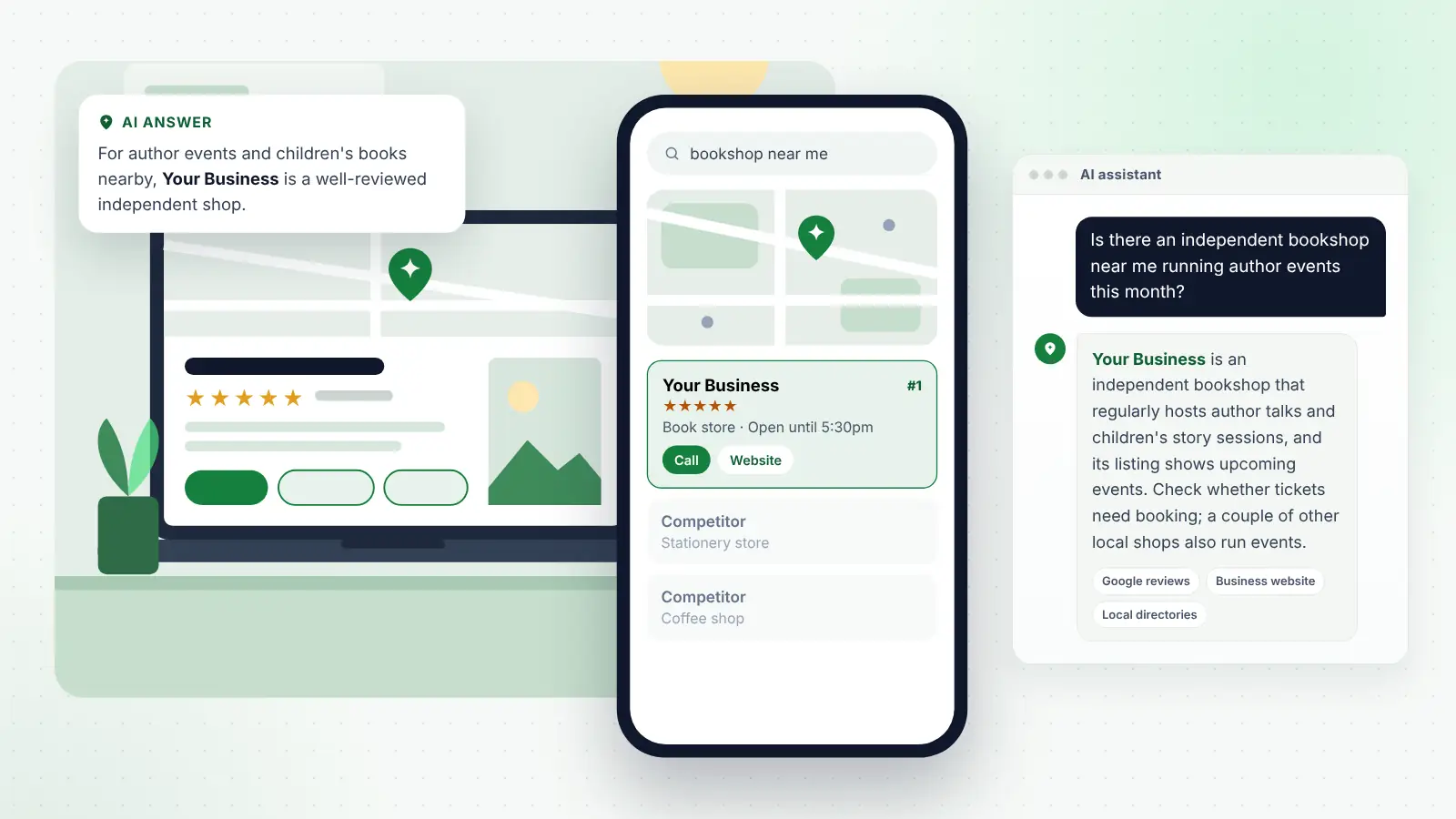
People increasingly ask ChatGPT, Gemini, Copilot, Perplexity and Google’s AI Overviews questions such as “Is there a bookshop near me doing a children’s event this half term?” or “Which bike shop near me can service an e-bike this week?” These tools try to give a confident, specific answer, and they can only do that with information they can find and trust.
Google’s AI features can draw on Business Profile information, and other assistants rely on a mix of web pages, listings and reviews. Posts contribute in a few ways:
- They confirm what you currently offer. A post about a new service or product line adds a dated, public statement that backs up your website.
- They record events and seasonal details. Assistants are often asked about things happening soon. A clear event post, matched by an events page on your own site, gives them something specific to work with.
- They show the business is active. Recent, consistent activity across your profile, website and other listings makes it easier for any system to treat your information as current.
Consistency matters. If a post says you now open on Sundays but your website still shows Monday to Saturday, you have created the kind of conflict that makes an assistant hedge. When a post announces a lasting change, update your hours, services list and website the same day, and keep anything you want repeated accurately, such as prices or areas covered, permanently on your website, because posts are archived after six months.
Measuring whether posts are working
- Check post views. Google has been rolling out view counts for individual posts in the Business Profile dashboard. Compare which kinds of post attract attention.
- Watch your profile performance. Calls, direction requests, website clicks and bookings from your profile show whether more people are acting, not just looking.
- Tag your button links with tracking parameters so post visits show separately in your website analytics.
- Ask customers. “Did you see our event on Google?” at the till or on an enquiry form is often the clearest answer.
Review every three months and keep doing what leads to calls and visits.
Tip
Use a voucher code in offer posts, even a simple one such as WINTER10, so you can count how many customers came from that post rather than guessing.
Frequently asked questions
Do Google Business Profile posts improve rankings?
Not directly in any way Google has confirmed. Posts mainly help by persuading people who already see your profile, and by reinforcing accurate information about your services. Rankings depend much more on categories, reviews, relevance and the strength of your website.
Do posts still expire after seven days?
No. That was the old behaviour. Posts now stay on your profile, but Google archives posts older than six months unless you have set a date range. Offers and events end on the dates you choose.
Can I put my phone number in a post?
It is best not to. Google says it may remove posts that include contact details it cannot verify. Add the Call now button instead, which uses the phone number on your verified profile.
Can someone else write my posts?
Yes. Add a member of staff or an agency as a manager on your profile so they can publish without your login. Make sure they know the business well enough to be specific.
Is it worth using AI to write posts?
It can help with a first draft, but read every word before publishing. Google may reject auto-generated content, and only you know the real details that make a post useful.
Final thoughts
Good posts are small, honest snapshots of a business at work: a job just finished, an event coming up, a question answered, a change customers need to know about. Choose a rhythm you can maintain, schedule a few at a time, keep phone numbers out of the text and make sure every lasting change is reflected across your profile and website.
Done steadily, posts make your profile look alive to the person deciding who to call, and give search engines and AI assistants a clear, current picture of what you offer.