Many IT support companies start the same way. An experienced engineer or systems administrator helps a few local businesses on the side, word gets around, and before long there are enough regular clients to make it a business in its own right. Small offices, surgeries, schools, charities and trade businesses all depend on their computers, email, files and phones, but most are too small to employ an IT person full time.
That makes managed IT one of the more resilient service businesses you can build. Clients pay monthly, the work is ongoing, and a good provider becomes part of how the client operates. It also comes with real responsibility. You will have administrative access to other people’s systems and data, you will be expected to keep them secure, and when something goes wrong your contracts, insurance and documentation will be tested.
This guide covers the practical steps: choosing your model, packaging your services, the contracts and data protection terms you need, insurance, Cyber Essentials, the regulation coming for managed service providers, the landline switch-off and how local businesses find you on Google and through AI assistants. It focuses on business IT support rather than consumer device repairs, and it is general information rather than legal advice.
Key points
- Most successful IT support companies sell recurring managed services on clear monthly agreements rather than relying on ad hoc call-outs.
- When you handle clients’ personal data, you are usually acting as a processor, and UK GDPR requires a written contract between you and each client.
- Cyber Essentials changed in April 2026, and multi-factor authentication on cloud services is now a firm requirement wherever it is available.
- The Cyber Security and Resilience Bill is still going through Parliament, and as drafted it would bring medium and large managed service providers into regulation.
- Openreach is retiring the analogue landline network on 31 January 2027, so many small businesses still need help moving phones and connected equipment.
- Business owners search locally and increasingly ask AI tools for recommendations, so clear service pages, reviews and consistent details matter from day one.
In this guide
- Decide what kind of IT business you want to run
- Choose and package your services
- Startup costs and tools
- Contracts, service levels and data protection
- Insurance for IT support companies
- Cyber Essentials, accreditations and new regulation
- The landline switch-off
- Pricing and winning your first clients
- Local SEO: how businesses find an IT support company
- AI search: how office managers now shortlist IT providers
- Frequently asked questions
- Next steps
Decide what kind of IT business you want to run
Before registering a company or buying tools, be clear about the business you are building. The main models are:
- Break/fix support. You charge by the hour or by the job when something goes wrong. It is easy to start but income is unpredictable, and your interests are not aligned with the client’s, because you earn more when things break.
- Managed services. You charge a fixed monthly fee, usually per user or per device, to look after a client’s systems proactively: monitoring, patching, backups, security and a helpdesk. This is the model most established providers use.
- Specialist services. You focus on one area, such as cyber security, Microsoft 365, networking or business phone systems, and often work alongside other IT firms.
- Hybrid. Managed contracts as your core income, with project work such as office moves, migrations and hardware refreshes on top.
It also helps to choose who you serve. A provider known for supporting accountancy firms, dental practices, estate agents or construction companies can speak their language, understand the software they use and build a reputation through their professional networks. A sector focus also makes your marketing much clearer.
Be realistic about capacity. Promising a one-hour response time when you are a one-person business means you cannot take a holiday or be ill. Set service levels you can genuinely meet, and plan who covers for you when you are unavailable.
Choose and package your services
Small business owners rarely want to buy “IT”. They want their email to work, their files to be safe, their staff to be able to get help and their business to stay secure. Packaging your services in those terms makes them easier to understand and to price.
| Service line | What it usually includes | Why clients buy it |
|---|---|---|
| Managed IT and helpdesk | Remote and on-site support, monitoring, patching, user setup | Predictable cost and someone to call |
| Cyber security | Endpoint protection, email filtering, MFA, staff awareness training | Insurer, client and contract requirements |
| Microsoft 365 and cloud | Licensing, migrations, email security, SharePoint and Teams | Remote working and moving off old servers |
| Backup and recovery | Cloud and local backups, regular restore tests | Protection against ransomware and mistakes |
| VoIP and connectivity | Hosted phone systems, broadband, failover connections | The landline switch-off and flexible working |
| Projects | Office moves, hardware refreshes, network installs | One-off work that often leads to a contract |
Many providers offer two or three support tiers, for example a basic remote-only plan, a standard plan with on-site visits and a premium plan with security services included. Whatever you choose, write down exactly what is covered and what is chargeable, so clients understand what they are paying for.
Tip
Write a one-page service description for each support tier before you approach any clients. It forces you to decide your response times, support hours and exclusions, and it becomes the basis of your contract and your website.
Startup costs and tools
An IT support business can start lean, but the tools you rely on are a real monthly cost that grows with every client. Costs vary widely by provider and scale, so treat these as rough categories rather than budgets.
| Item | What it covers | Notes |
|---|---|---|
| RMM platform | Remote monitoring, patching and remote access | Usually priced per device per month |
| PSA or ticketing system | Tickets, time tracking, contracts and billing | Some tools combine RMM and PSA |
| Documentation system | Client setups, passwords and procedures | Essential for continuity and handovers |
| Security stack | Endpoint protection, email filtering, backup | Often resold to clients at a margin |
| Laptop, test kit and tools | Your own equipment and spares | Keep your own devices well secured |
| Vehicle | On-site visits | Check business use on your insurance |
| Insurance | PI, cyber, public and employers’ liability | See the insurance section below |
| Website and branding | Service pages, contact details, reviews | Your main source of new enquiries over time |
Secure your own business first. Your RMM, password manager and admin accounts are a single point of failure for every client you support, so use strong multi-factor authentication everywhere, separate admin accounts from everyday ones, and restrict who in your team can access what. Attackers specifically target IT providers because one breach can open many doors.
Contracts, service levels and data protection
Your contract protects you and your client. A typical IT support agreement covers the services included, response and resolution targets, support hours, what counts as out of scope, charges for extra work, the notice period, responsibilities on both sides and limits of liability. Have a solicitor review your template once rather than improvising each time.
UK GDPR: controllers and processors
When you manage a client’s systems, you will almost certainly have access to personal data about their staff and customers. In most cases the client is the controller and you are a processor acting on their instructions. UK GDPR requires a written contract between a controller and a processor, and the ICO’s guidance on controller and processor contracts sets out what it must include.
In summary, the contract needs to describe the processing and its duration, the type of data involved and the client’s obligations and rights. It must also include terms requiring you to:
- Process personal data only on the client’s documented instructions.
- Make sure your staff are bound by confidentiality.
- Keep the data secure with appropriate measures.
- Use sub-processors, such as backup or cloud providers, only with the client’s authorisation and under a written contract offering equivalent protection.
- Help the client respond to individuals’ rights requests, security incidents and data protection impact assessments.
- Delete or return the data at the end of the contract, as the client chooses.
- Provide the information the client needs to show compliance, and allow audits.
Processors also have direct obligations under UK GDPR and can be liable if they act outside the client’s instructions, so treat this as more than paperwork. Keep a list of the sub-processors you use, and make sure your own suppliers’ terms support what you promise your clients. Your own business will also process personal data, so check whether you need to pay the data protection fee to the ICO.
Insurance for IT support companies
Insurance is a core part of running a credible IT business, and many business clients will ask to see it before signing. The main types to consider are:
- Professional indemnity insurance. Covers claims that your advice or work caused a client financial loss, such as a failed migration, a misconfiguration or lost data. Some insurers offer technology-specific policies that combine this with other cover.
- Cyber insurance. Covers your own losses and liabilities if your business is breached, including incident response costs. Given your access to client systems, check carefully how a policy treats incidents that spread from you to clients.
- Public liability insurance. Covers injury or damage when you work at client premises, such as damage caused while installing equipment.
- Employers’ liability insurance. Usually compulsory from the day your first engineer or helpdesk hire joins the payroll.
Read the exclusions and limits closely, and make sure the cover matches what your contracts say about liability. An independent broker who understands technology businesses can help you match policies to the services you actually provide.
Cyber Essentials, accreditations and new regulation
Cyber Essentials and Cyber Essentials Plus
Cyber Essentials is the government-backed scheme run by the National Cyber Security Centre, with IASME as its delivery partner licensing certification bodies across the UK. It covers five technical controls: firewalls, secure configuration, user access control, malware protection and security update management. Cyber Essentials is a verified self-assessment, while Cyber Essentials Plus adds a hands-on technical audit by an assessor. Certification needs renewing each year, and it is a requirement for certain central government contracts that involve handling sensitive and personal information.
The scheme was updated on 27 April 2026 with a new question set, known as Danzell, and an updated version of the technical requirements. The key changes are:
- Multi-factor authentication must be used on cloud services wherever it is available, and not having it causes an automatic failure.
- New questions on patching routers and applications, where non-compliance also causes a failure.
- More detailed scoping questions for organisations with complex setups.
- A declaration signed by a board member or director confirming the controls will be maintained throughout the certification period.
- Stricter rules for Cyber Essentials Plus, including that the self-assessment must be finalised before technical testing begins.
For an IT support company, Cyber Essentials works in two ways. Certifying your own business is a strong trust signal, and helping clients prepare for certification is a valuable service. Some providers also become certification bodies themselves, which requires a licence from IASME. Be clear about the difference between helping a client prepare and assessing them, as you should not assess work you have done yourself.
Vendor partnerships, such as Microsoft’s partner programme or security vendors’ reseller schemes, and engineer certifications also help clients understand your expertise.
The Cyber Security and Resilience Bill
The Cyber Security and Resilience (Network and Information Systems) Bill was introduced to Parliament in November 2025 and carried over into the 2026 session. As of late October 2026 it is still before the House of Lords and has not yet become law. You can follow its progress on the UK Parliament bill page.
As drafted, the Bill would bring medium-sized and large managed service providers into the UK’s network and information systems regulations for the first time, with the ICO as their regulator. In-scope providers would face duties around security measures and incident reporting. Many of the details, including when duties begin, are expected to be set in secondary legislation and codes of practice after the Bill passes.
If you are starting small, you are unlikely to be directly in scope at first. Even so, larger clients and partners may start asking their suppliers about incident response, security practices and reporting, so building good habits early puts you in a stronger position.
The landline switch-off
Openreach is retiring the traditional analogue telephone network, known as the PSTN, on 31 January 2027. New analogue lines have not been available for some time. Openreach has described a fallback for some lines still connected at the deadline as temporary, limited and more expensive than digital alternatives, so it should not be relied on.
For small businesses, the switch-off affects more than phones. Alarm systems, lift lines, door entry systems, card terminals, franking machines and older fax or modem connections can all rely on analogue lines. Many businesses have not checked what is connected to theirs.
This is an opportunity for IT support companies, but also a responsibility. A switch-off review, covering phone lines, connected equipment and broadband resilience, is a natural first project with a new client, and moving them to a hosted VoIP system can lead to ongoing support. Explain the timing accurately and avoid alarmist language. Clients respond better to a calm, practical checklist than to pressure.
Pricing and winning your first clients
Managed IT is usually priced per user or per device per month, with projects and hardware quoted separately. Work out your costs per user, including tools, licences and your time, before you set prices. Undercharging to win early clients makes it very hard to raise prices later, and clients who choose you only on price are the most likely to leave.
Many providers start with a paid onboarding or audit. It lets you document the client’s setup, fix urgent problems and agree priorities before the monthly contract begins. It also shows the client how you work.
Good sources of early clients include:
- Former employers and contacts, where your previous contracts allow it.
- Accountants, solicitors, insurance brokers and business landlords, who are often asked to recommend an IT company.
- Local business networks, chambers of commerce and business centres.
- Telecoms, software and security vendors looking for local partners.
- Sector associations and events for the industries you want to focus on.
Reliable communication wins and keeps clients. Answer the phone, explain problems in plain English, send a short monthly summary of what you have done, and review each client’s setup with them at least once a year.
Local SEO: how businesses find an IT support company
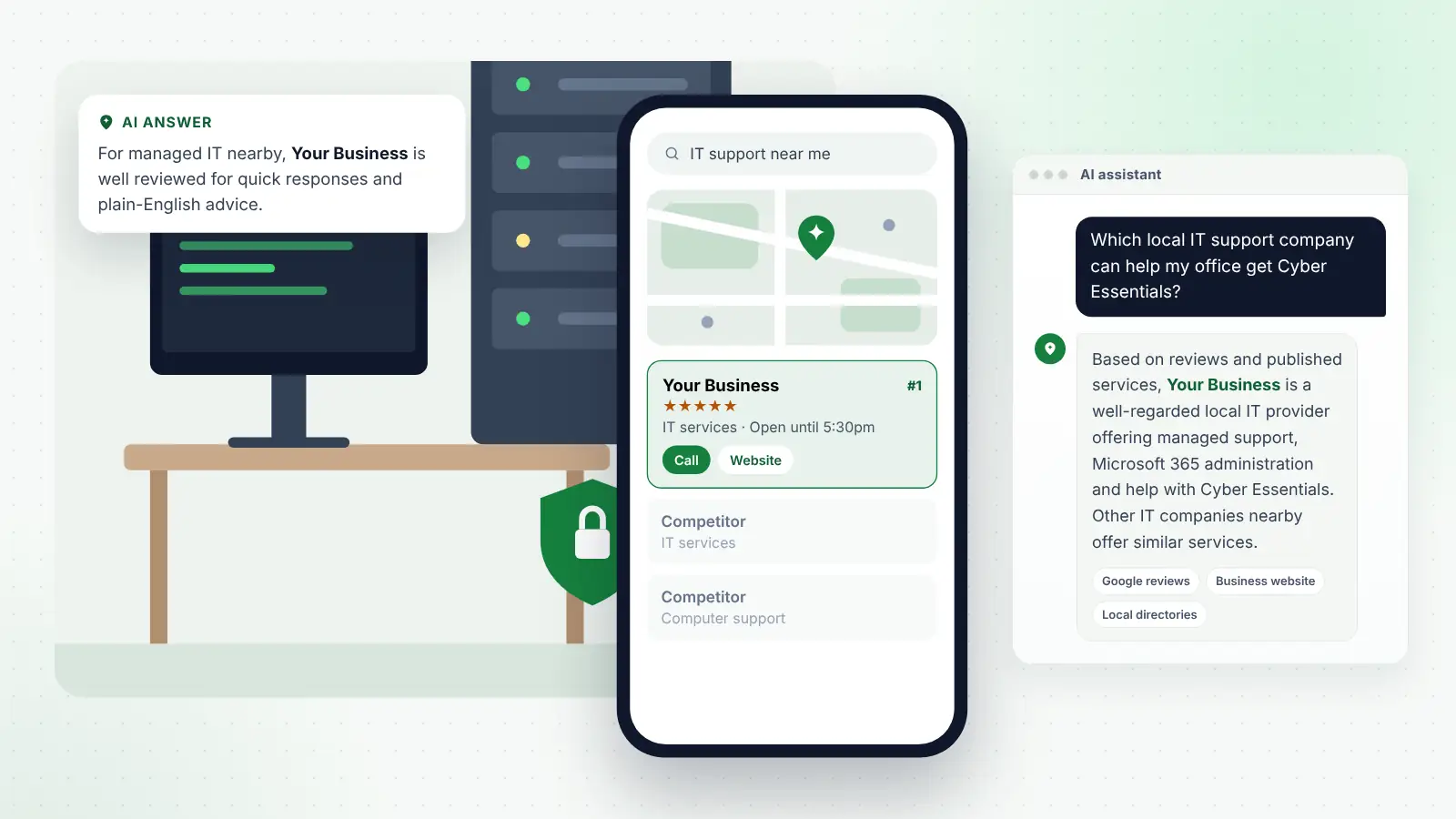
Most small businesses still want an IT company that can come on site when needed and that understands local connectivity, suppliers and premises. When they look for one, they search with terms such as “IT support near me”, “IT support for small business in [town]”, “managed IT services [town]”, “Cyber Essentials help”, “Microsoft 365 support” and “business phone systems near me”. These searches often follow a trigger: an outage, a security scare, a contract renewal or an office move.
Local SEO helps your business appear in Google’s map results and local listings for those searches. The essentials are:
- Google Business Profile. Choose the closest matching primary category, such as IT services or computer support and services, and add relevant secondary ones. List each service, set accurate hours and service areas, and add photos of your team and work. Running support remotely from a home office, with engineers visiting clients rather than clients visiting you? Choose a service-area profile and keep the address hidden.
- Reviews. Ask clients for a review after onboarding goes well or a problem is solved quickly. Reviews that mention response times, named engineers and specific help are especially persuasive. Never buy reviews or offer incentives for positive ones, as fake and concealed incentivised reviews are prohibited under UK consumer law.
- Consistent details. Keep your business name, address and phone number identical across your website, Google, Apple Maps, Bing, vendor partner directories and business listings.
- Service and sector pages. Create a page for each main service and each sector you serve, explaining what is included, who it suits and how pricing works. Add area pages only where you genuinely provide on-site support.
- Local links and mentions. Chamber of commerce membership, sponsorship of local events, guest articles for business groups and partner listings all strengthen your local presence.
If you would rather keep your engineers on client work, you could hand this to a team offering SEO for IT support companies and managed service providers as a specialist service. Either way, results usually build over three to six months, so start before you need the enquiries.
AI search: how office managers now shortlist IT providers
Business owners increasingly ask AI assistants to help them choose suppliers. They use ChatGPT, Gemini, Perplexity, Microsoft Copilot and Google’s AI Overviews, and they tend to ask detailed questions:
- “Which local IT support company can help my office get Cyber Essentials?”
- “Who can move our email to Microsoft 365 near [town]?”
- “What should a small business IT support contract include, and who is well reviewed nearby?”
- “What do I need to do about my business phone line before the landline switch-off?”
An assistant suggesting an MSP assembles its answer from details about each provider that it can read and compare across different sites. Answer engine optimisation (AEO) means making that information clear, accurate and consistent. For an IT support company, focus on:
- Consistent business details across your website, Google profile, partner directories and other listings.
- Clear service descriptions that say exactly what you do, who you help and which areas you cover.
- Helpful, accurate FAQs on support plans, response times, Cyber Essentials, Microsoft 365 and the landline switch-off.
- Reviews that mention specifics, such as a migration completed smoothly or a fast response to an incident.
- Credible mentions elsewhere, including local business sites, vendor partner listings and reputable industry publications.
Accuracy matters. Schemes such as Cyber Essentials change, and the regulation for managed service providers is still being finalised. AI tools may repeat what your website says, so review your guides regularly and date them.
Tip
Publish a short, plain-English landline switch-off checklist for local businesses, listing the equipment to check and the steps to take. It is genuinely useful, it is the kind of content AI tools can cite, and it gives prospects a reason to contact you.
Frequently asked questions
Do I need qualifications to start an IT support business?
There is no legal requirement to hold a particular qualification to offer IT support in the UK. However, clients expect real expertise, and vendor certifications, Cyber Essentials for your own business and a track record in similar organisations all help them trust you. Professional indemnity insurance is also strongly advisable.
Is my IT support company a data controller or a processor?
For the personal data you handle on clients’ behalf, you are usually a processor and the client is the controller, so UK GDPR requires a written contract with the terms set out in the ICO’s guidance. For your own staff and client contact records, you are the controller.
Will the Cyber Security and Resilience Bill apply to my business?
As drafted, it targets medium and large managed service providers, so a new or small provider is unlikely to be in scope at first. The Bill was still before Parliament in late October 2026, so check the final law and guidance once it passes.
Should I become a Cyber Essentials certification body?
It can be a useful addition once you have experience, but it requires a licence from IASME and qualified assessors. Many providers start by certifying their own business and helping clients prepare, then partner with a certification body for assessments.
How should I price managed IT support?
Most providers charge per user or per device per month, with tiers for different levels of service. Calculate your full cost per user first, including tools and licences, and keep projects, hardware and out-of-hours work separate so the monthly fee stays clear.
Next steps
Starting an IT support business is very achievable if you build the foundations properly. Decide your model and the clients you want to serve, package your services clearly, put contracts and data protection terms in place, arrange suitable insurance, certify your own business to Cyber Essentials and secure your own systems before anyone else’s.
Then make your business easy to find. A complete Google profile, consistent listings, clear service and sector pages, honest reviews and practical guidance on topics like Cyber Essentials and the landline switch-off will help local businesses find you, whether they search on Google or ask an AI assistant. Build those foundations early and keep them current, and your client base can grow steadily from there.