Schema markup is one of those topics that sounds far more technical than it really is. Put simply, it is a way of labelling the important facts on your website so that search engines can read them without guessing. Instead of Google having to work out that a string of numbers is your phone number, or that a line of text is your opening hours, schema tells it directly.
For local businesses, that matters because search engines and the AI tools built on them rely on clear, consistent facts about who you are, what you do and where you are. Schema is not a magic ranking switch, and Google has been clear that it is not required for its AI features. But it is a sensible, low-cost part of making your business easy to understand online.
This guide explains what schema markup is, which types and properties matter most for local businesses, what has changed with FAQ markup, how to check your markup is working and how it fits with your wider local SEO. There is no code in this guide; everything is described in plain English so you can have an informed conversation with whoever manages your website.
Key points
- Schema markup is a standard set of labels that helps search engines read key facts on your website.
- LocalBusiness schema, or a more specific type such as Plumber or Dentist, is the most useful type for local firms.
- The details in your schema should match your website, Google Business Profile and listings exactly.
- FAQ rich results were restricted in 2023 and Google stopped showing them from 7 May 2026, though FAQ content itself is still valuable.
- The sameAs property links your website to your official profiles elsewhere, helping confirm you are one business.
- Test your markup with Google’s Rich Results Test and the Schema Markup Validator after any change.
In this guide
- What schema markup actually is
- Why schema matters for local businesses
- LocalBusiness schema and choosing the right type
- The key LocalBusiness properties explained
- How schema connects to your Google Business Profile and local search
- FAQ markup: what changed and what to do now
- The sameAs property and why it matters
- Schema, entities and AI search
- How to test your schema markup
- Common schema mistakes
- Frequently asked questions
- Final thoughts
What schema markup actually is
Schema markup is a shared vocabulary, maintained by the Schema.org project, that search engines including Google, Bing and others understand. It lets a website describe things in a structured way: this is a business, this is its name, this is its address, these are its opening hours.
The markup sits in the code of your page. Visitors do not see it. Search engines read it alongside the visible content to understand the page more reliably.
Google recommends a format called JSON-LD, which is a small block of structured information placed in the page’s code, separate from the visible text. Most website platforms and SEO plugins can add it for you, so you rarely need to write it by hand.
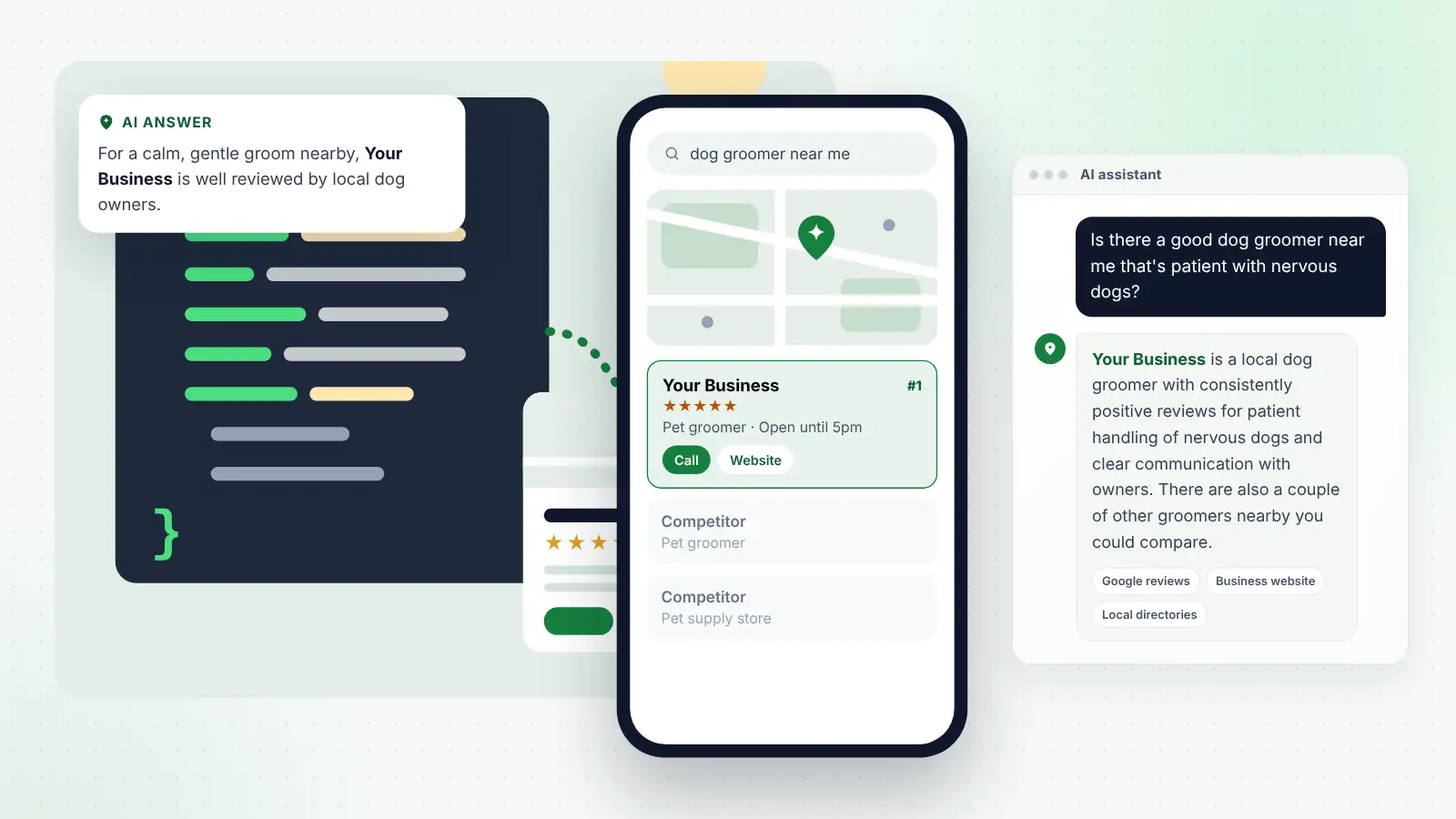
A useful way to think about it: your website text is written for people, and schema is a neat summary card of the same facts written for machines. The two must agree.
Why schema matters for local businesses
Schema helps in a few practical ways:
- Clarity. It removes ambiguity about your business name, address, phone number, hours and type of business.
- Consistency. It gives search engines a clear version of your details to compare with your Google Business Profile and directory listings.
- Eligibility for some search features. Certain types of markup can make pages eligible for enhanced displays in search results.
- Entity understanding. It helps search engines connect your website, your social profiles and your listings as one real-world business.
What schema does not do is guarantee better rankings, a place in the map pack or a mention in AI answers. It supports good local SEO; it does not replace it.
LocalBusiness schema and choosing the right type
The main schema type for a local business is called LocalBusiness. Schema.org also includes many more specific types that sit underneath it, and Google’s guidance is to use the most specific type that fits.
Some examples of more specific types:
| Type of business | Schema type to consider |
|---|---|
| Plumber | Plumber |
| Electrician | Electrician |
| Dentist | Dentist |
| Restaurant or café | Restaurant or CafeOrCoffeeShop |
| Hair salon | HairSalon |
| Estate agent | RealEstateAgent |
| Solicitor | LegalService or Attorney |
| Accountant | AccountingService |
| Gym | ExerciseGym |
| Car garage | AutoRepair |
If there is no specific type for your business, LocalBusiness on its own is fine. If you have more than one location, Google’s guidance is to define each location as its own LocalBusiness, and many businesses do this on a separate page for each branch.
The key LocalBusiness properties explained
Properties are the individual facts you describe within your schema. Google lists two as required for local business markup and several more as recommended.
| Property | What it describes | Required or recommended | Practical notes |
|---|---|---|---|
| name | Your business name | Required | Use your real trading name, exactly as on your Google profile |
| address | Your postal address | Required | Fill in as many address parts as possible, including postcode |
| telephone | Main contact number | Recommended | Include the country code, and match your listings |
| url | The page for this location | Recommended | Use the correct, working web address |
| openingHoursSpecification | Days and times you are open | Recommended | Can include seasonal or holiday changes |
| geo | Latitude and longitude | Recommended | Google asks for at least five decimal places |
| priceRange | General price level | Recommended | Keep it short, such as a symbol or a rough range |
| image | Photos of the business | Optional (Schema.org) | Use genuine photos, not stock images |
| areaServed | Towns or regions you cover | Optional (Schema.org) | Helpful for businesses that travel to customers |
| sameAs | Links to your official profiles | Optional (Schema.org) | See the section on sameAs below |
Restaurants and cafés have some extra recommended properties, such as the type of cuisine served and a link to the menu.
A note about reviews and ratings
You may see advice to add review or rating markup to your own website. Google’s guidelines say that review and rating markup for local businesses is only for sites that collect reviews about other businesses, such as a directory. Reviews of your own business that you display on your own site are treated as self-serving and are not eligible for review stars in search results. Focus on earning reviews on Google and relevant platforms instead.
Tip
Before anyone adds schema to your site, write down your official business details once — name, address, phone, hours and website — and give that same sheet to whoever updates your Google profile and listings too.
How schema connects to your Google Business Profile and local search
Schema on your website and your Google Business Profile do different jobs, but they work best together. Your Business Profile is what appears in Google Maps and the local pack. Your website schema is one of the sources Google can use to confirm that the information on your profile is accurate.
When the details agree across your website, schema, Business Profile and directory listings, search engines can be more confident about who you are. When they conflict, for example an old address in your schema or a different phone number on a directory, that confidence drops.
This is why schema should be part of a wider local SEO approach that covers your Google profile, reviews, citations and website content. If you would rather leave the technical side to specialists, many local SEO packages include schema and citation work as part of the monthly service, so your details are kept aligned as things change.
FAQ markup: what changed and what to do now
For several years, adding FAQ markup to a page could produce expandable questions and answers directly under your listing in Google results. That has changed significantly.
In August 2023, Google announced that FAQ rich results would only be shown for well-known, authoritative government and health websites. For most businesses, the visible FAQ dropdowns stopped appearing at that point. You can read the original announcement on the Google Search Central blog.
Google then went further. Its documentation was updated in May 2026 to say that, as of 7 May 2026, FAQ rich results are no longer appearing in Google Search at all. Google said it would drop the FAQ search appearance, the FAQ rich result report in Search Console and FAQ support in the Rich Results Test from June 2026.
What this means in practice:
- You do not need to rush to remove existing FAQ markup. Google’s documentation indicates you can remove it but do not have to, and leaving it in place is not reported to cause errors or affect rankings.
- Do not expect visible FAQ dropdowns in Google results. That benefit has gone.
- FAQ content on your page is still valuable. Clear answers to common questions help customers, help search engines understand your page and give AI tools specific facts to draw on.
- Other search engines may treat FAQ markup differently. Google’s change applies to Google’s results.
The lesson is that the questions and answers themselves matter far more than the markup around them.
The sameAs property and why it matters
The sameAs property lets you list the official web addresses that represent the same business elsewhere online. Typical examples include your Facebook page, Instagram account, LinkedIn company page, YouTube channel, and your profile on a trade body or registration scheme.
Why it is useful:
- It helps search engines connect your website with your other official profiles.
- It reduces the chance of confusion with similarly named businesses.
- It strengthens the overall picture of your business as one consistent entity.
Only include profiles you actually own and keep up to date. Linking to abandoned accounts or unrelated pages does not help.
Schema, entities and AI search
Search engines increasingly think in terms of entities: real-world things such as businesses, people and places, along with the facts connected to them. Your business is an entity, with a name, location, type of service, owner, reviews and relationships to other entities such as the towns you serve.
AI assistants that summarise local businesses appear to benefit from that same kind of clear, connected information. When they look for a recommendation, they typically draw on web search results, local listings, business websites and directories, although the companies do not publish full details.
Schema is one way to describe your entity clearly, but it is only one part. Google’s own 2026 guidance on generative AI features says structured data is not required to appear and that there is no special Schema.org markup you need to add. What matters more is that your facts are consistent everywhere and that your content clearly answers customers’ questions.
Think of entity consistency as a checklist:
- The same business name everywhere, without added keywords.
- The same address and postcode, or a consistent service-area description.
- The same phone number on your website, schema, Google profile and listings.
- The same description of your main services.
- Links between your website and your official social and industry profiles.
- Mentions on reputable local and industry sites that use the same details.
How to test your schema markup
Testing is quick, free and worth doing after any change to your website.
Google’s Rich Results Test
This tool checks whether a page’s markup is eligible for the rich result types Google currently supports and highlights errors or warnings. It no longer tests FAQ markup. Enter your page address and review what it finds. Fix anything marked as a critical error.
Schema Markup Validator
Run by Schema.org, this tool checks whether your markup is valid according to the full Schema.org vocabulary, not just the parts Google uses for rich results. It is useful for confirming that everything is structured correctly.
Google Search Console
After making changes, use the URL Inspection tool in Search Console to check the live page and request indexing. Search Console also shows reports for some types of structured data.
A simple testing routine
- Test your homepage and each location or main service page.
- Check the business name, address, phone and hours shown in the results match your Google Business Profile exactly.
- Fix any errors, then retest.
- Recheck after website redesigns, plugin updates or a change of address or phone number.
Tip
Website redesigns are the most common time for schema to break or go missing. Add “check structured data” to your checklist whenever your site is rebuilt or moved to a new platform.
Common schema mistakes
- Mismatched details. An old phone number in the schema that no longer matches your listings.
- Marking up information that is not on the page. Google expects structured data to reflect visible content.
- Keyword-stuffed names. Using “Best Dog Groomer Manchester Cheap” instead of your real business name.
- Self-serving review markup. Adding star ratings for your own business to your own website.
- Duplicate or conflicting markup. Two plugins both adding schema with different details.
- Wrong location pages. Multi-location businesses using one address for every branch.
- Set and forget. Never checking the markup again after it is first added.
Frequently asked questions
Do I need schema markup to rank on Google Maps?
No. Map rankings depend mainly on your Google Business Profile, relevance, distance and prominence, including reviews. Schema supports this by confirming your details on your website, but it is not a requirement for appearing in Maps.
Can I add schema myself?
Often, yes. Many website builders and SEO plugins for platforms such as WordPress include local business schema settings where you fill in your details. Check the result with the testing tools afterwards and make sure it matches your listings.
Does schema help with ChatGPT and other AI tools?
It can help search engines read your details reliably, and many AI tools use search engine results. However, Google has said structured data is not required for its AI features, and there is no evidence that schema alone gets a business recommended. Consistent information, reviews and clear content matter more.
Should I remove my FAQ schema now that FAQ rich results have ended?
There is no urgent need. Google’s documentation says removing it is optional, and existing FAQ markup is not reported to cause problems. Keep the questions and answers on your page, as they remain useful to visitors. Whether to keep the markup itself is a low-priority housekeeping decision.
How often should I check my schema?
Check it after any website change and at least once or twice a year. Also check it whenever your phone number, address, hours or services change, alongside updating your Google profile and listings.
Final thoughts
Schema markup is a tidy, practical way to tell search engines the key facts about your business. Used well, it supports everything else you do for local visibility: your Google Business Profile, your directory listings, your reviews and your website content.
Keep it simple. Choose the most specific business type, fill in the core properties accurately, link your official profiles with sameAs, and make sure every detail matches what appears elsewhere online. Test it after any change. Then put most of your energy into the things that customers actually see: clear service information, honest answers to common questions and a steady stream of genuine reviews.